Candy Casual Buttons
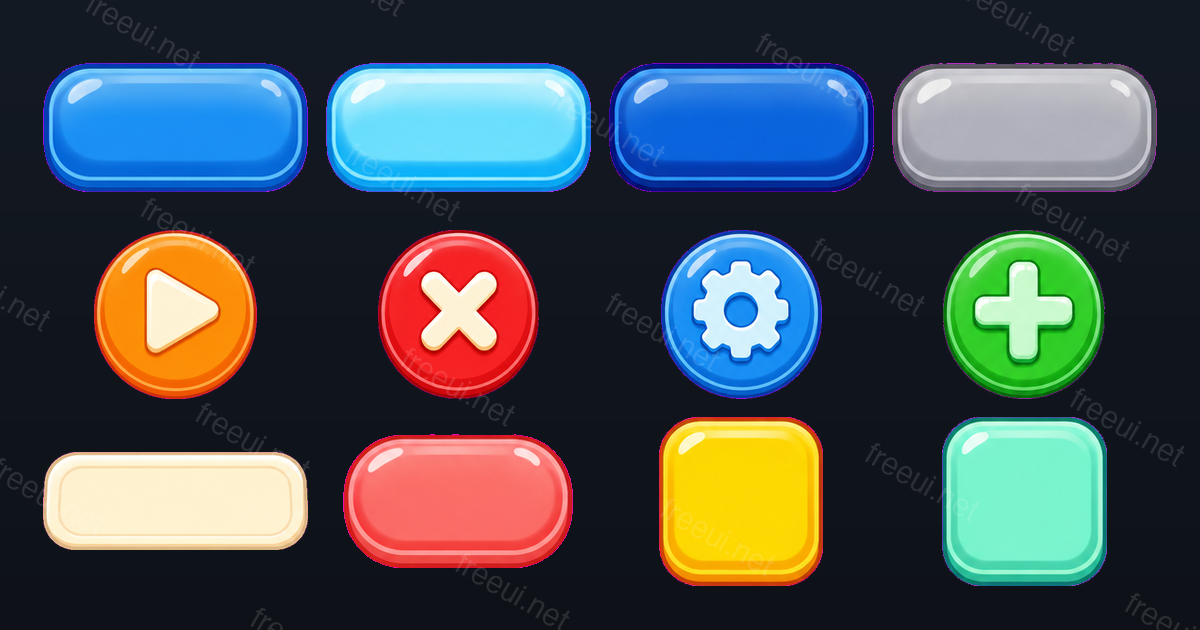
A pure button set: four true states of the same wide blue pill, four large round action buttons with built-in glyphs, and the small square variants for a toolbar. The state row matters more than it looks — hover is brighter, pressed is darker and slightly flatter, disabled drops saturation without changing shape, so nothing shifts position as a player mashes it. The round buttons carry simple geometric glyphs (triangle, cross, gear, plus) rather than text, which means they work in every language and never raise a font licensing question. The bottom navigation plate is 9-sliced and deliberately plain so your own icons sit on top of it without fighting. Sized for mobile portrait: the round buttons land near 120pt at 2x.
Downloads open soon Free for commercial use →
This pack is finished — downloads just are not switched on yet. Everything below is the real contents: 12 files, real measured sizes and 9-slice margins, nothing mocked up. Downloads open with a free Google sign-in shortly.
What's inside
12 individually layered transparent PNGs — not a flat sheet you have to cut up yourself. 5 of them carry 9-slice margins, so one texture covers every size you need.
| File | Element | Size | 9-slice (T R B L) |
|---|---|---|---|
button_wide_normal.png | Buttons | 277 × 135 | 6 / 12 / 17 / 12 |
button_wide_hover.png | Buttons | 276 × 135 | 6 / 11 / 17 / 11 |
button_wide_pressed.png | Buttons | 277 × 135 | 6 / 13 / 17 / 13 |
button_wide_disabled.png | Buttons | 277 × 135 | 6 / 12 / 17 / 12 |
button_round_play.png | Buttons | 290 × 300 | — |
button_round_close.png | Buttons | 268 × 280 | — |
button_round_settings.png | Buttons | 241 × 252 | — |
button_round_add.png | Buttons | 242 × 252 | — |
tabbar_bottom_plate.png | Tab Bars & Nav | 421 × 156 | 27 / 9 / 27 / 9 |
hud_pill_badge.png | HUD | 230 × 134 | — |
button_square_yellow.png | Buttons | 177 × 182 | — |
button_square_mint.png | Buttons | 178 × 182 | — |
How to import
Unity (uGUI)
Every FreeUI pack lists the exact sprite border values measured from the PNGs, so you type them once into the Sprite Editor and the borders survive resizing instead of stretching. This pack ships the measured border values plus a sprite atlas, ready for the Sprite Editor.
Full Unity (uGUI) import guide →
Godot 4
Godot 4 packs come with the patch_margin and texture_margin numbers already measured, so a Theme with real hover and pressed states is a five-minute job. This pack ships the texture_margin values for StyleBoxTexture and NinePatchRect.
Cocos Creator 3.x
Cocos Creator 3.x packs list the SpriteFrame Border values per asset, so you fill four fields and switch the Sprite to SLICED — no trial and error. This pack ships the SpriteFrame Border values for every stretchable asset.
Full Cocos Creator 3.x import guide →
Unreal Engine (UMG)
Unreal packs ship the layered PNGs together with the margin values you need for Slate Brush borders in UMG. This pack ships PNGs plus a margin table for Slate Brushes.
Full Unreal Engine (UMG) import guide →
Phaser 3
Phaser packs include a multi-atlas JSON that loads with a single this.load.atlas call, plus the nineSlice dimensions. This pack ships a texture atlas JSON in the format Phaser loads natively.
Web (HTML & CSS)
For plain web builds every 9-sliced panel comes with a border-image rule you can paste straight into a stylesheet. This pack ships PNGs plus ready-to-paste border-image CSS.
Technical facts
- Assets12 PNG files
- 9-sliced5 of 12
- Distinct sizes10
- Atlas1834 × 442 (PNG + TexturePacker JSON)
- Download1.7 MB zip
- Published2026-08-03
Palette
- #FBF2D0
- #FC8D07
- #1A8CF2
- #FA6D66
- #0566D0
- #6CDEFD
License
Free for personal and commercial projects.
No attribution required. Modify and remix freely.
You may not redistribute or resell the assets themselves as stock. Full terms on the license page.
FAQ
Can I use this pack in a game I sell?
Yes. The FreeUI license covers commercial use, including paid games, paid apps and client work. There is no revenue cap and no separate commercial tier.
Do I have to credit FreeUI?
No. Attribution is welcome but never required — you do not need to add a credits screen or a link to use these assets.
Can I edit the artwork?
Yes — recolour, rescale, combine with your own art, whatever the project needs. Every element is a separate transparent PNG precisely so it can be edited independently. The pack also includes an editable scene file if you want to restyle the whole set at once.
Need this pack in your own colours?
These are pre-made kits. If you need the same layered, engine-ready output for your art style — or want to turn a screenshot of your own mockup into separated layers — that is what CozyUI does. Same pipeline that produced this pack, pointed at your input.
Related packs
-
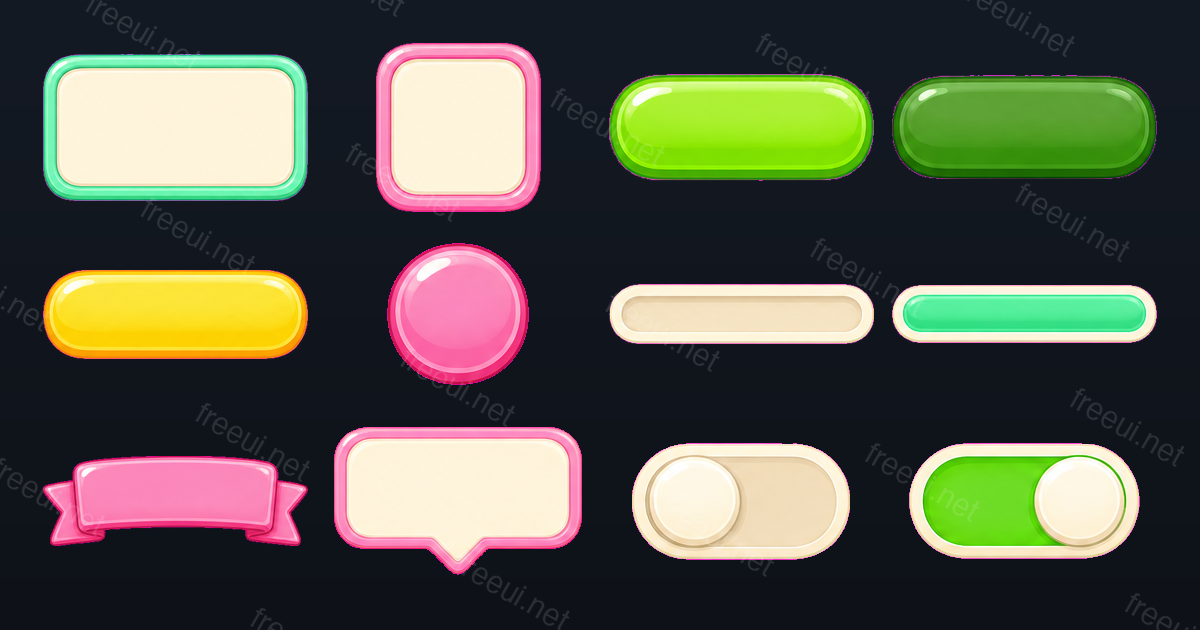 Candy Casual Panels & Bars 12 assets · Casual
 -
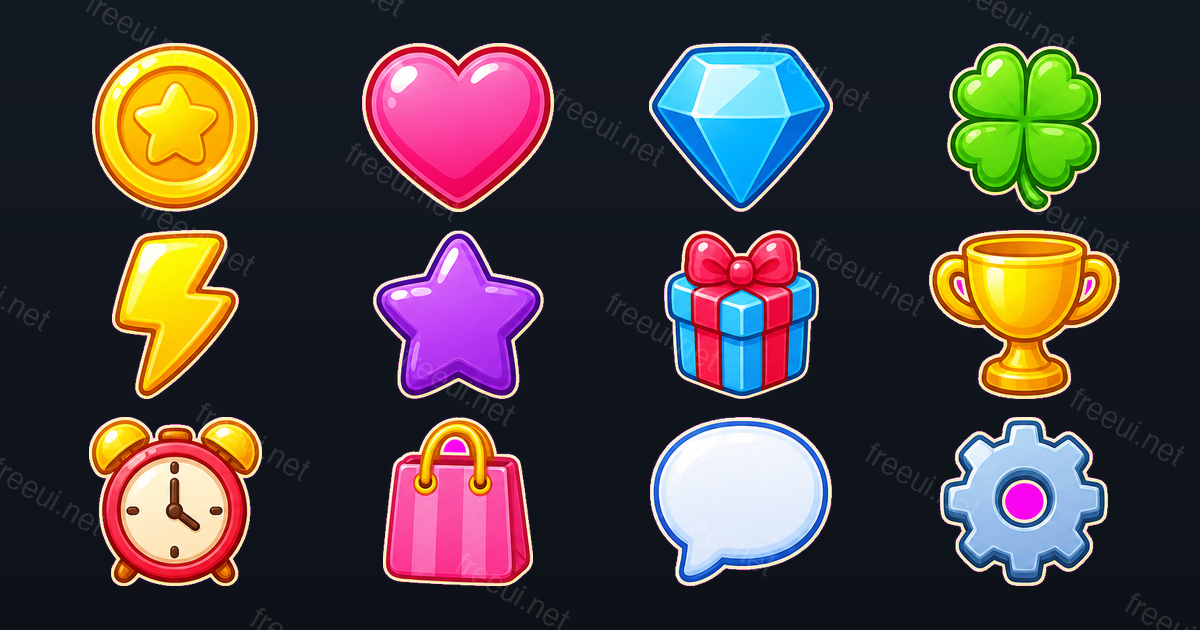 Candy Casual Icons 12 assets · Casual
 -
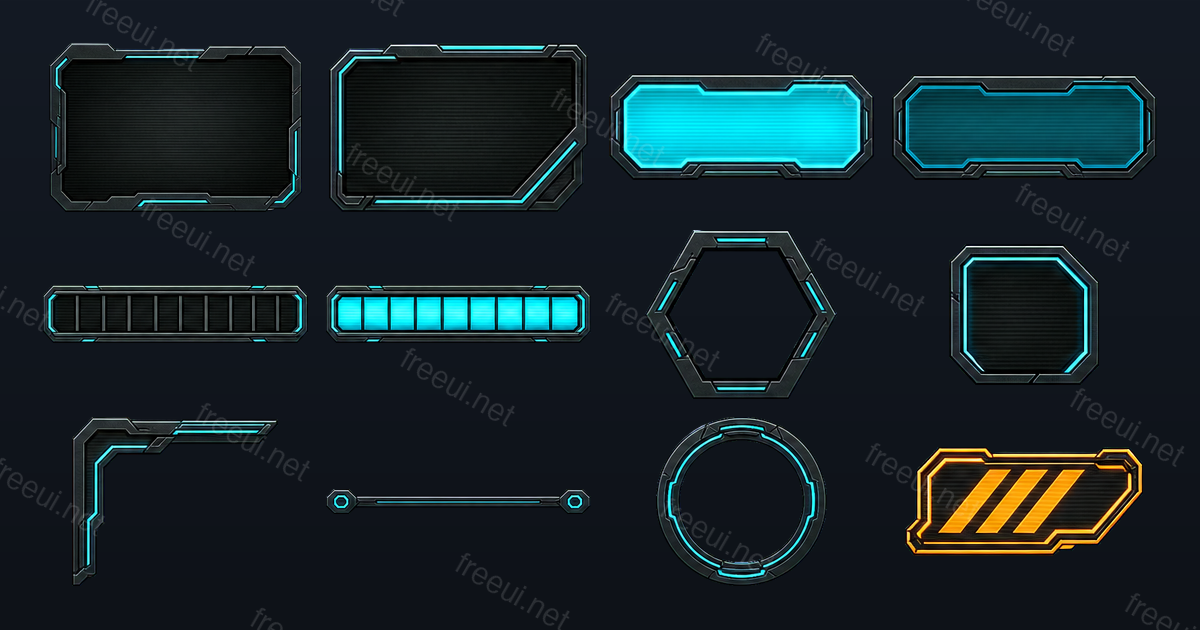 Sci-Fi HUD Frames 12 assets · Sci-Fi
 -
 Sci-Fi Metal Panels 12 assets · Sci-Fi
 -
 Sci-Fi Interface Icons 12 assets · Sci-Fi
 -
 Fantasy RPG Frames & Panels 12 assets · Fantasy RPG
 -
 Fantasy RPG Buttons & Controls 12 assets · Fantasy RPG
 -
 Fantasy RPG Badges & Icons 12 assets · Fantasy RPG