Free UI assets for Web (HTML & CSS)
For plain web builds every 9-sliced panel comes with a border-image rule you can paste straight into a stylesheet.
⚠ Without the fill keyword, border-image erases your background
CSS border-image drops the middle slice by default — the centre of your panel becomes transparent and whatever is behind it shows through. Add the fill keyword to border-image-slice and the centre is kept and stretched. It is one word, and it is the single most common reason a panel "looks broken" in the browser.
1. Drop in the PNGs
No build step needed — the pack's png/ folder is plain transparent PNGs. Put them wherever your static assets live.
2. 9-slice a panel with border-image
border-image-slice takes unitless numbers meaning pixels of the source image; border-width takes the rendered thickness. Use the manifest values for both when you want 1:1 scale.
.panel {
  border-style: solid;
  border-width: 24px;                        /* rendered thickness */
  border-image-source: url("png/panel_main.png");
  border-image-slice: 24 24 24 24 fill;      /* source px + keep the centre */
  border-image-repeat: stretch;              /* or "round" for tiled patterns */
}
3. Button states
Swap border-image-source on :hover, :active and :disabled. Because the geometry is identical across states, nothing shifts and there is no layout thrash.
.btn        { border-image-source: url("png/button_primary_normal.png"); }
.btn:hover  { border-image-source: url("png/button_primary_hover.png"); }
.btn:active { border-image-source: url("png/button_primary_pressed.png"); }
.btn:disabled { border-image-source: url("png/button_primary_disabled.png"); }
4. High-DPI screens
The assets are authored at 2× the nominal size. To render them crisply at 1× logical pixels, halve the border-width while leaving border-image-slice at the source pixel values — the slice always refers to the source image, the width to the rendered box.
5. Pixel-art packs
Add image-rendering: pixelated to keep the edges hard when scaling. Browsers otherwise smooth them.
FAQ
The centre of my panel is see-through.
You are missing the fill keyword on border-image-slice. See the warning at the top of this page.
Can I use these with Tailwind?
Yes — put the rules in a component class via @layer components, or use arbitrary properties. Tailwind has no border-image utilities, so a small CSS block is the practical route.
Can I use these on a commercial site or web game?
Yes. Free for commercial use, no attribution required. See the license page.
Packs with Web (HTML & CSS) files
-
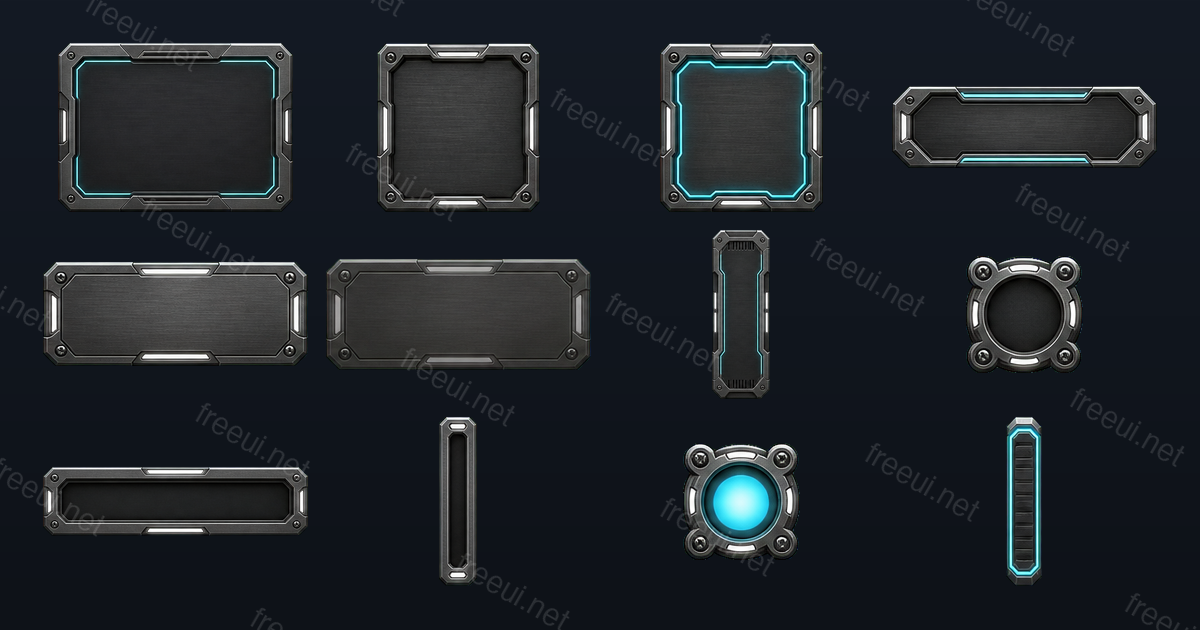 Sci-Fi Metal Panels 12 assets · Sci-Fi
 -
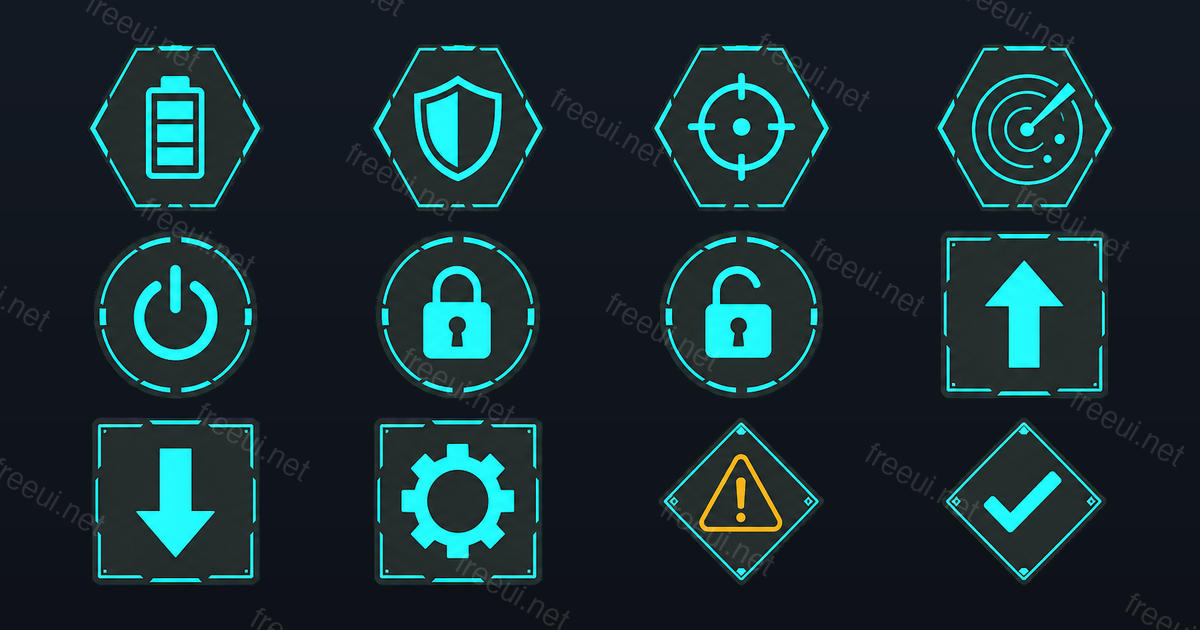 Sci-Fi Interface Icons 12 assets · Sci-Fi
 -
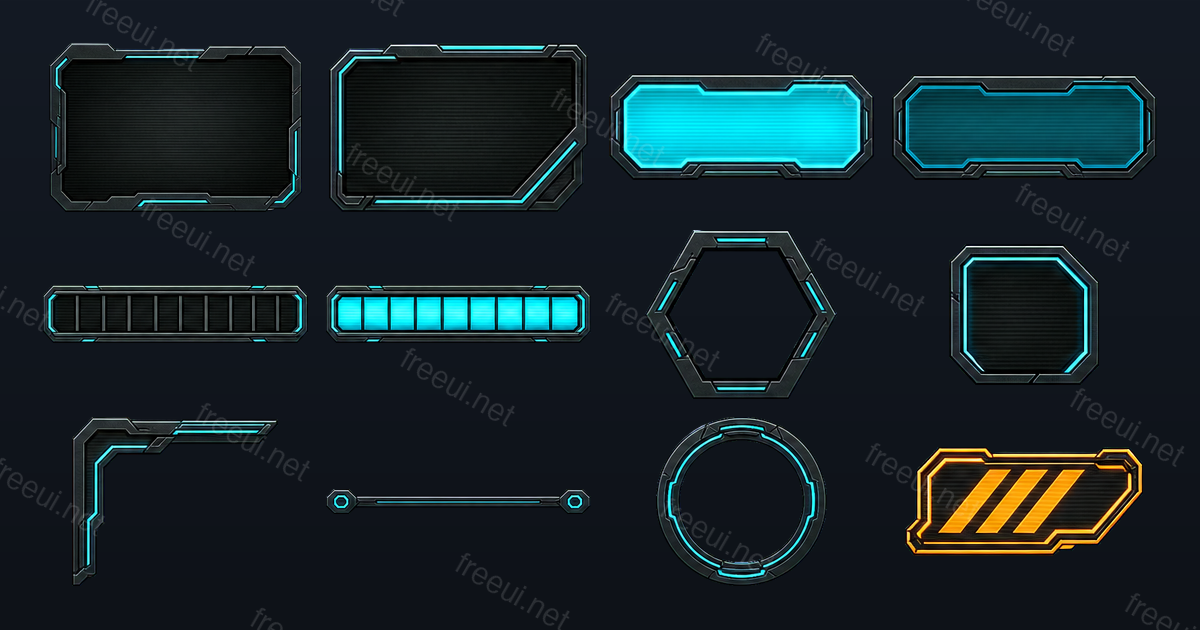 Sci-Fi HUD Frames 12 assets · Sci-Fi
 -
 Fantasy RPG Badges & Icons 12 assets · Fantasy RPG
 -
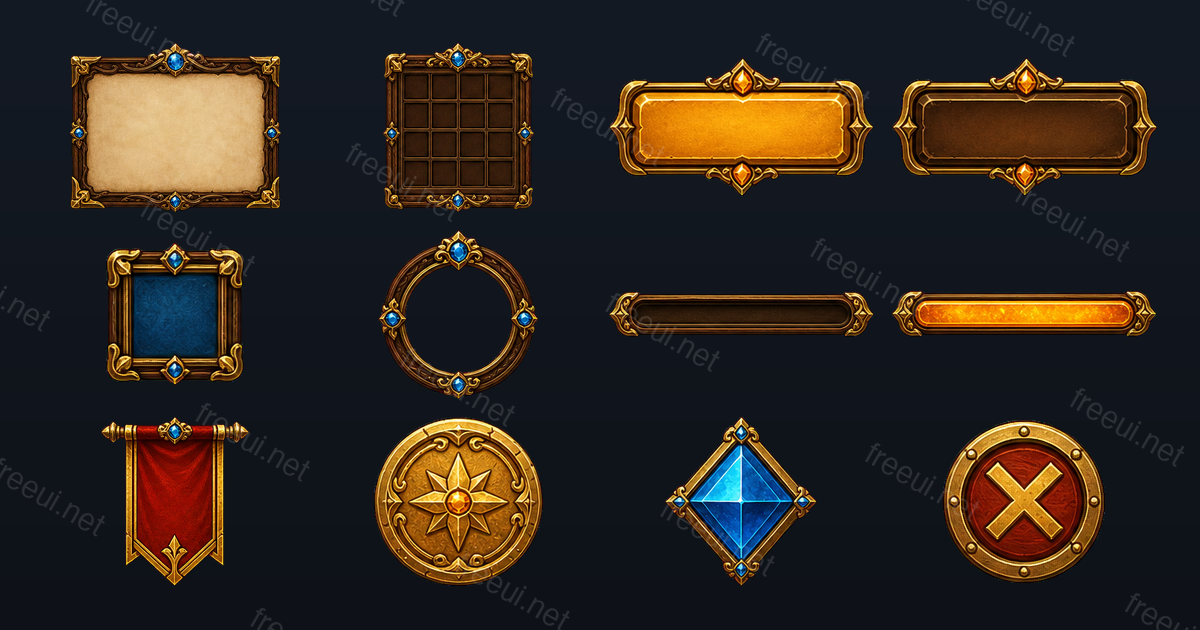 Fantasy RPG Frames & Panels 12 assets · Fantasy RPG
 -
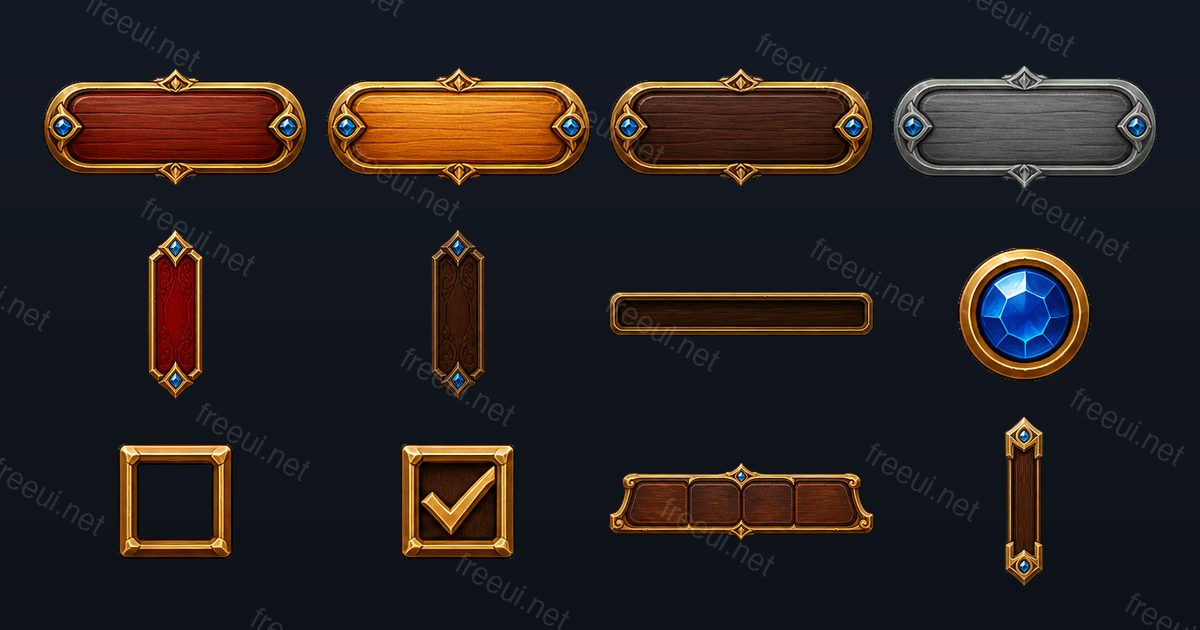 Fantasy RPG Buttons & Controls 12 assets · Fantasy RPG
 -
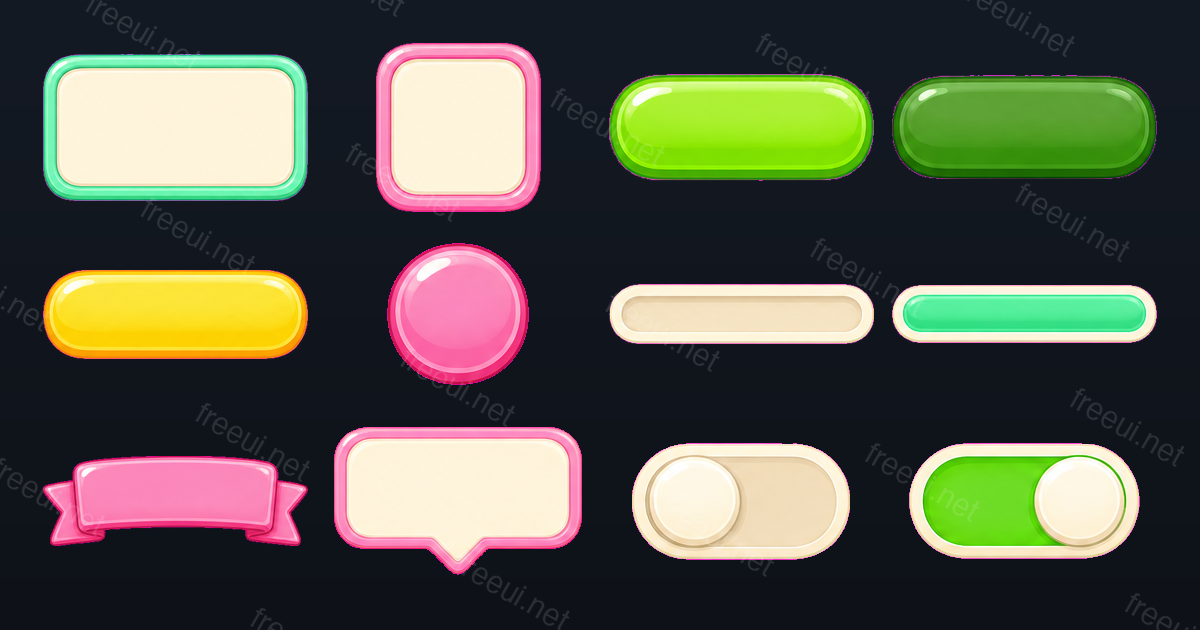 Candy Casual Panels & Bars 12 assets · Casual
 -
 Candy Casual Icons 12 assets · Casual
 -
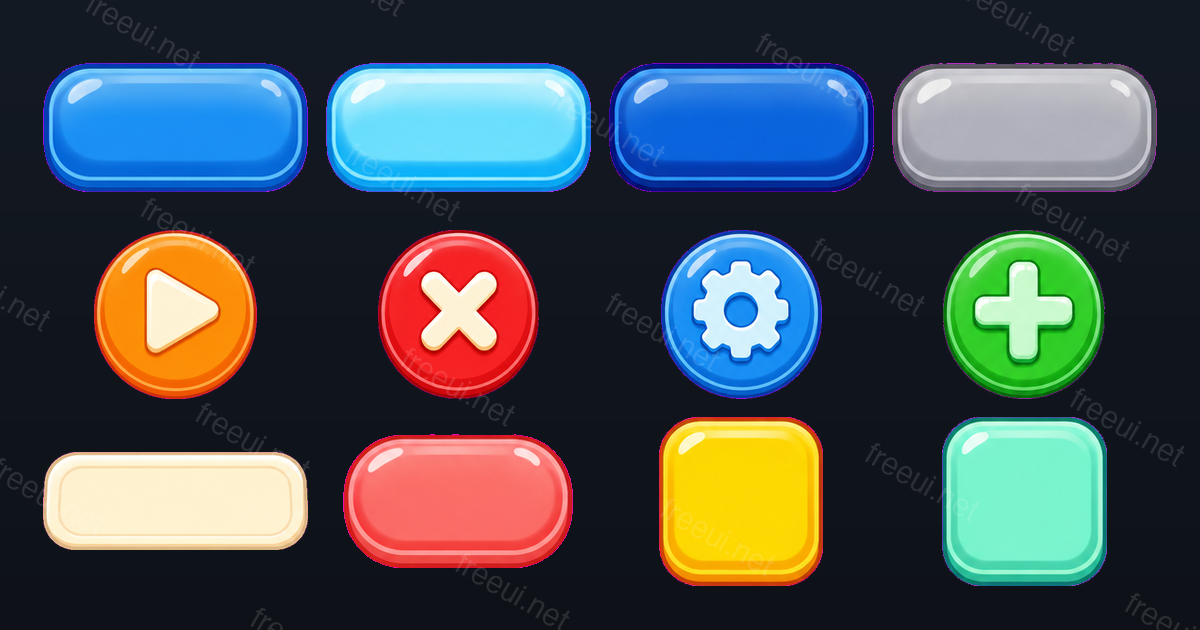 Candy Casual Buttons 12 assets · Casual
Want this output for your own art style?
Every pack here was produced by CozyUI — upload a screenshot or a mockup and get the same layered PNGs, measured 9-slice margins and Web (HTML & CSS) files built around your design.